

Planning
People, machinesand projects.
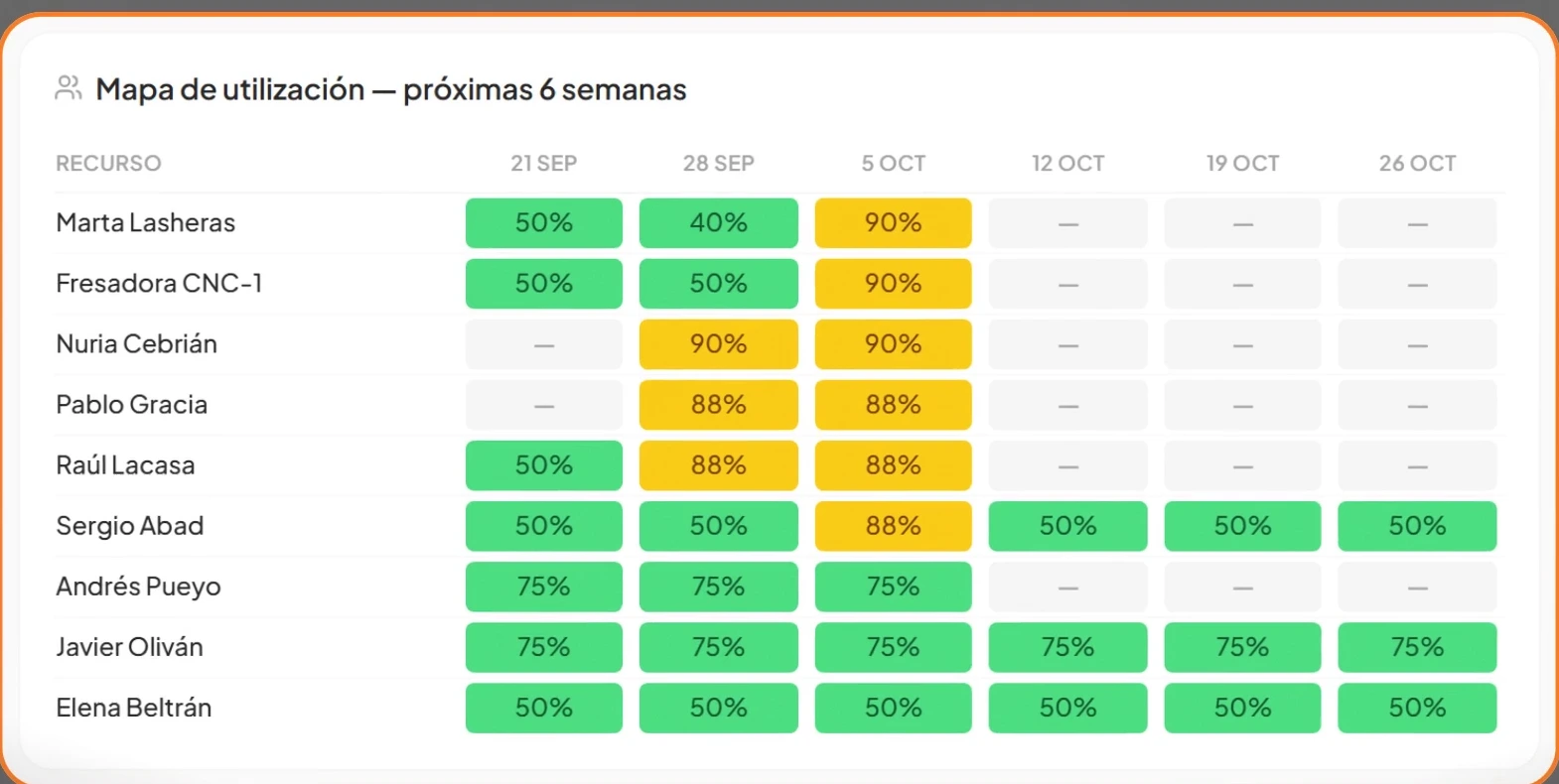
One plan with the real capacity and availability of every resource: who has room, who is at the limit and who is overbooked, week by week.
People, machines, projects and money, all connected. Every module feeds the others, so a change in one is reflected instantly everywhere.
One plan with the real capacity and availability of every resource: who has room, who is at the limit and who is overbooked, week by week.
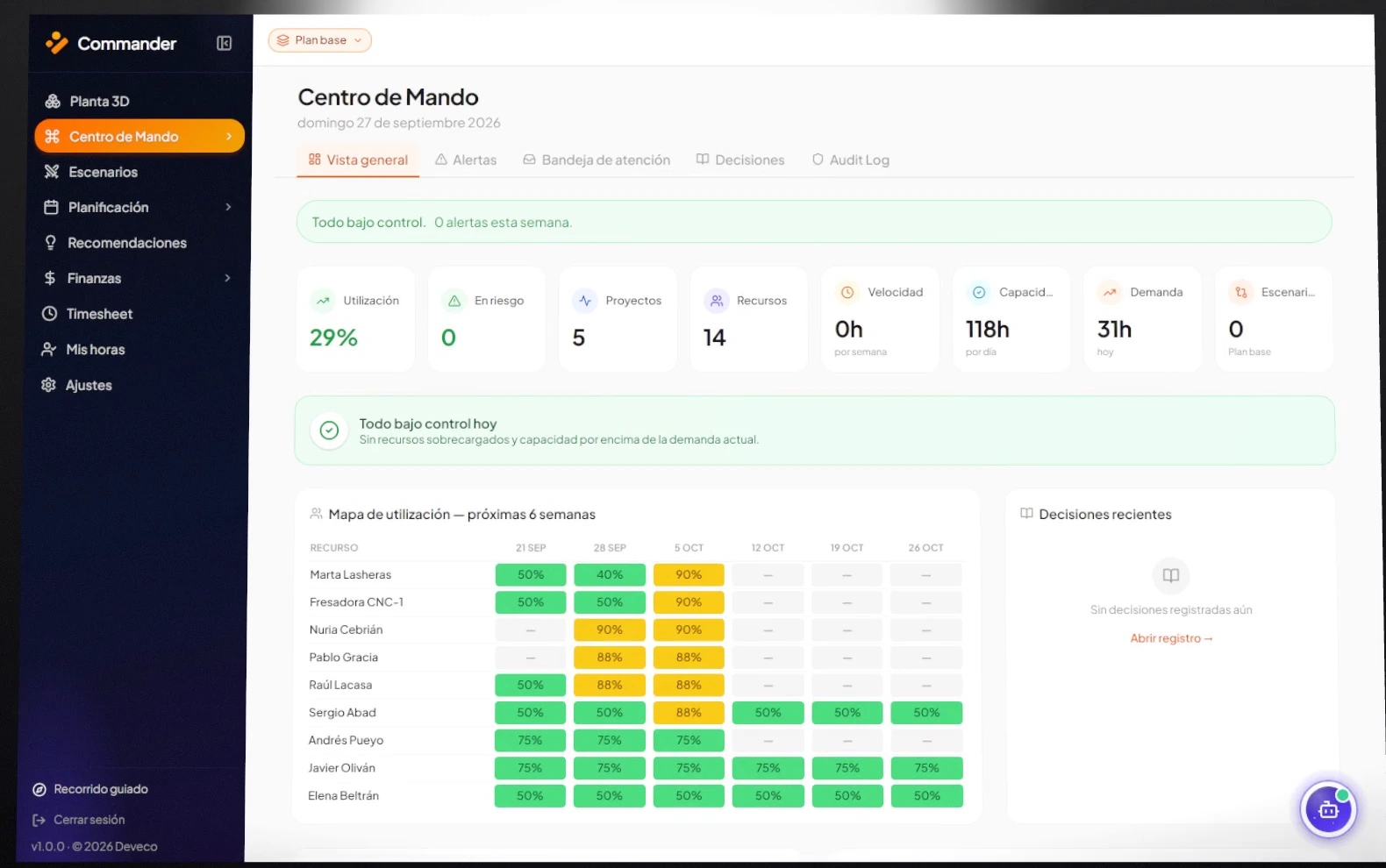
Utilisation, risks, capacity, demand and alerts on a single screen. Red is not an opinion: it is arithmetic, planned hours divided by capacity.
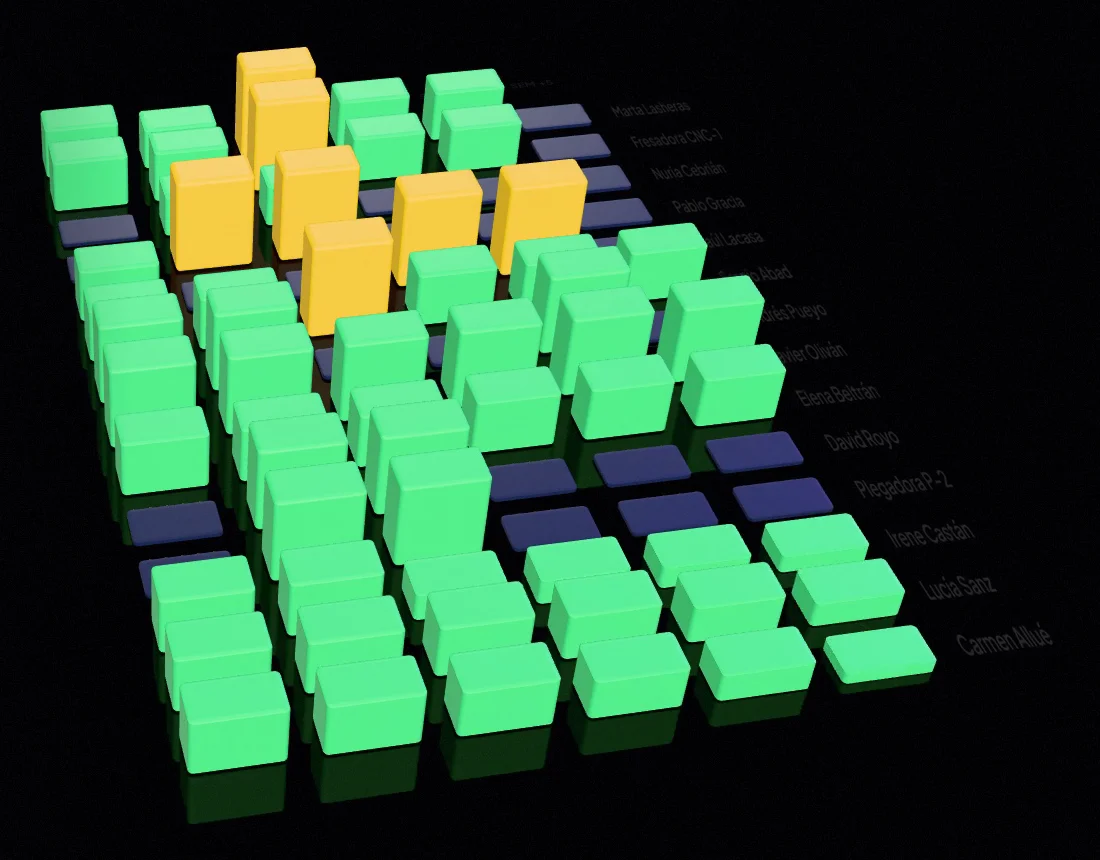
The workload of all your resources over the coming weeks. You spot the overload in week 43 today, not on the Monday of week 43.
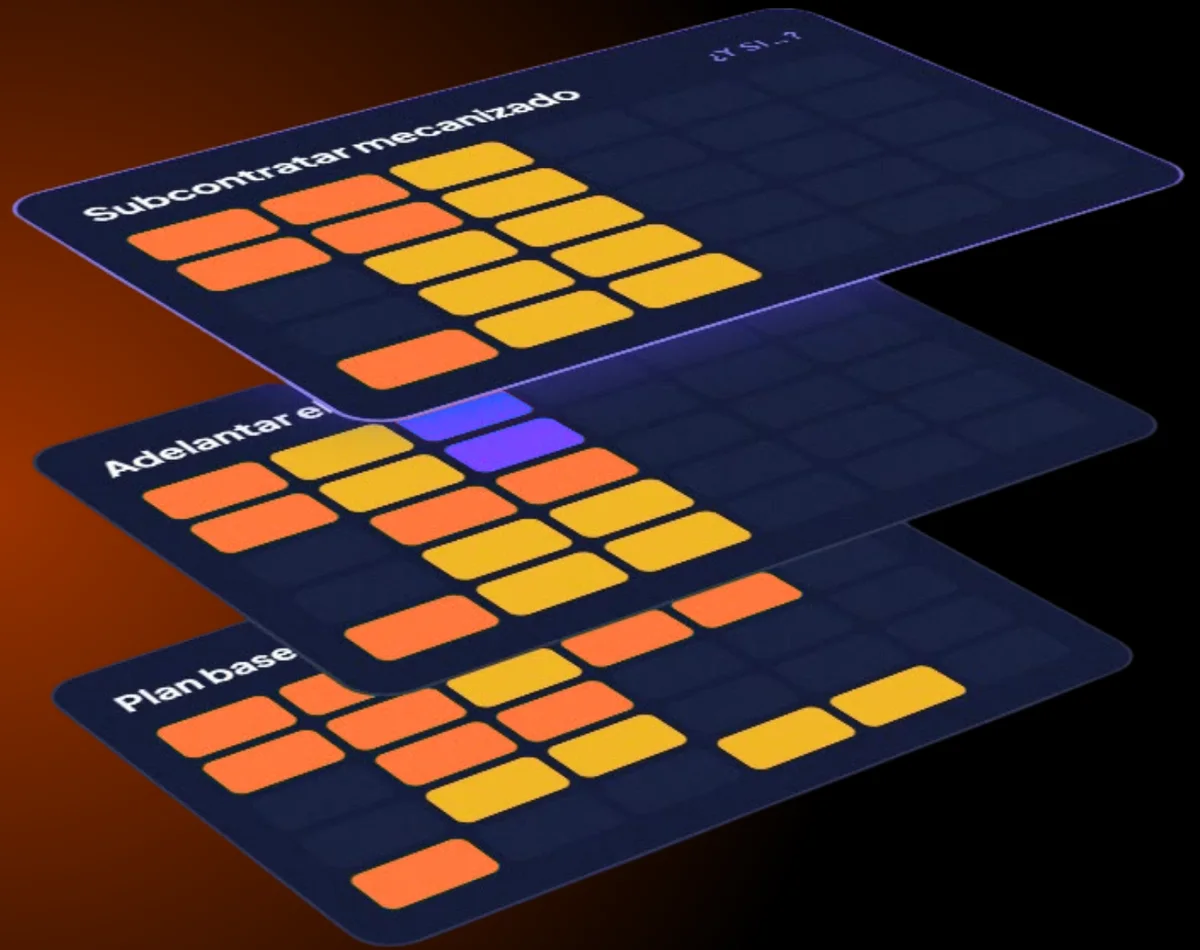
Simulate alternatives without touching the live plan: bring an order forward, subcontract a phase, move a maintenance slot. Compare them and decide with data.
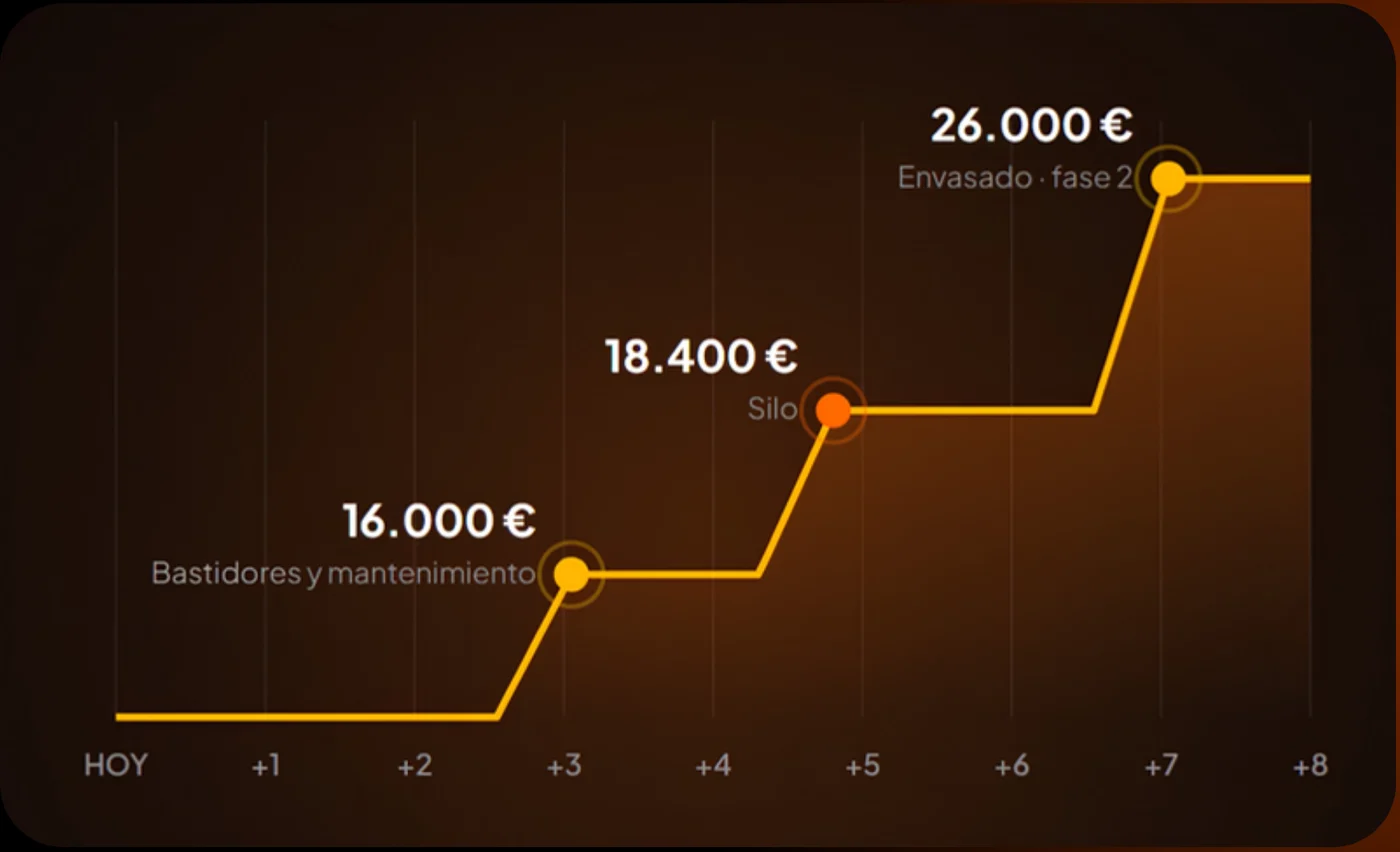
Planning drives cash flow: if an order moves forward, so does its payment. And every alternative comes with its extra cost and its impact on incoming payments.

Everyone sees their week on their phone and logs their hours with a single tap. Actual hours flow straight into the Command Centre.
See the real load on every workstation. Sargento tells you whether you’ll make it.
No months-long implementation projects. We take care of it.
People, machines, certifications and projects, straight from your spreadsheets or your ERP.
Shifts, calendars, rates and shop-floor zones, set up exactly the way you work today.
Within a single day your first week is in Commander and hours are coming in from mobile.
30 minutes, with a case like yours. No generic sales pitch.
Or email us at contacto@deveco.it