

Simulate your decisions before you change the plan
Test alternatives without touching the live plan: bring an order forward, subcontract a phase or move a maintenance job. Compare them by capacity, cost and impact on incoming payments, and decide with data.

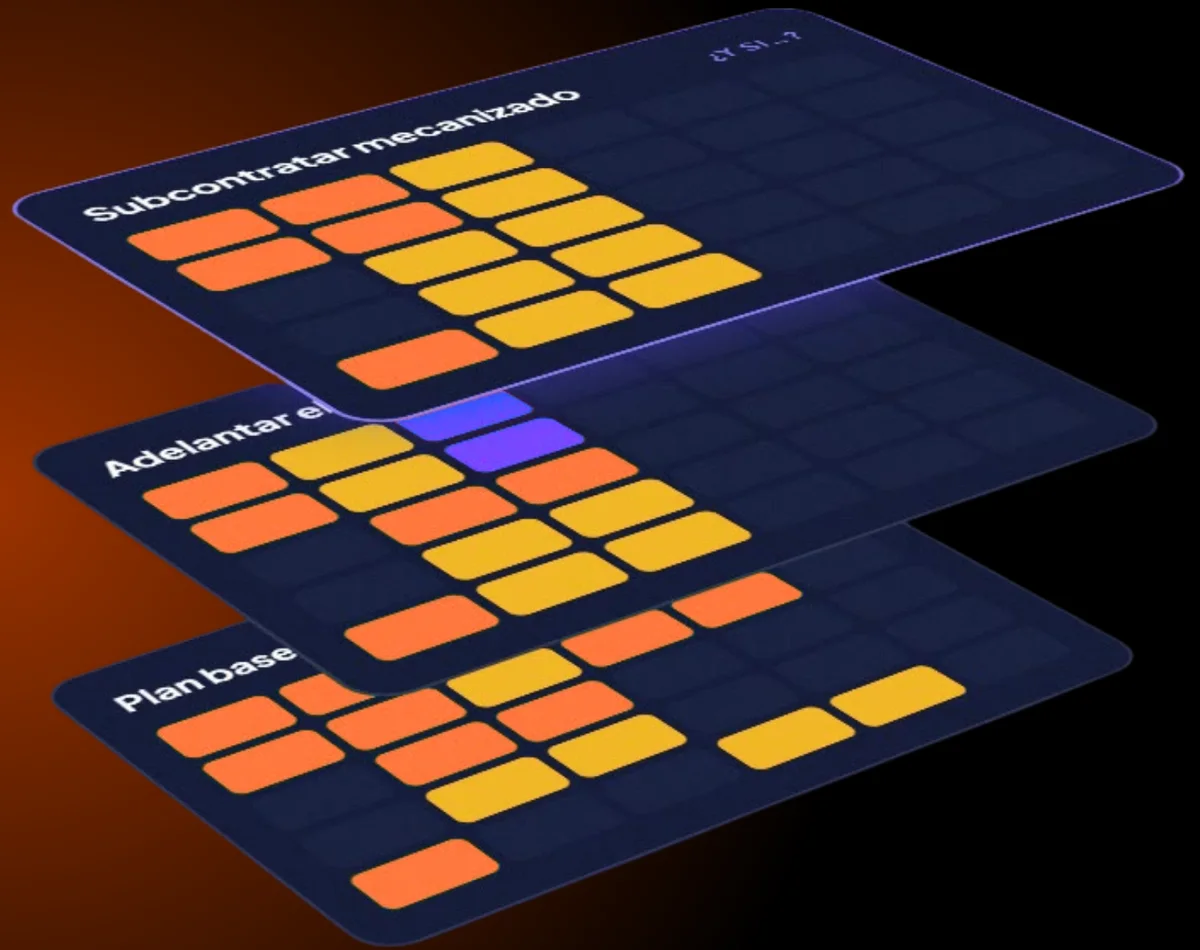
What scenario planning means in Commander.
A scenario lets you test a change without touching the live plan. You start from the baseline plan, apply an alternative and compare it with the others: the workload of every person and machine, the cost and the effect on incoming payments.
The live plan does not change while you simulate. When you pick an option, it is only applied if you confirm it.
Four situations worth simulating before you decide.
A new project
Before accepting an order, check whether there is capacity for it without risking everyone else’s deadlines, and how much margin it leaves you.
An absence
See which tasks are left without a resource and who, with the right certification, has room to take them on.
A delay
If a site or an order slips by a week, see which team is freed up and which deliveries are affected.
More demand
A client brings an order forward or more work comes in: see which machines are overloaded and compare subcontracting, moving or reassigning.
Capacity scenarios: what each alternative compares.
Capacity
The resulting workload of every person and machine, week by week, with overload flagged in red.
Resources
Who does each task in each alternative, respecting certifications and specialisms. More on resource allocation.
Costs
The extra cost of each option, for instance subcontracting a phase compared with moving your own work.
Impact
The effect on deadlines and cash flow: if an order moves, so does its payment. We cover it in project costs and profitability.
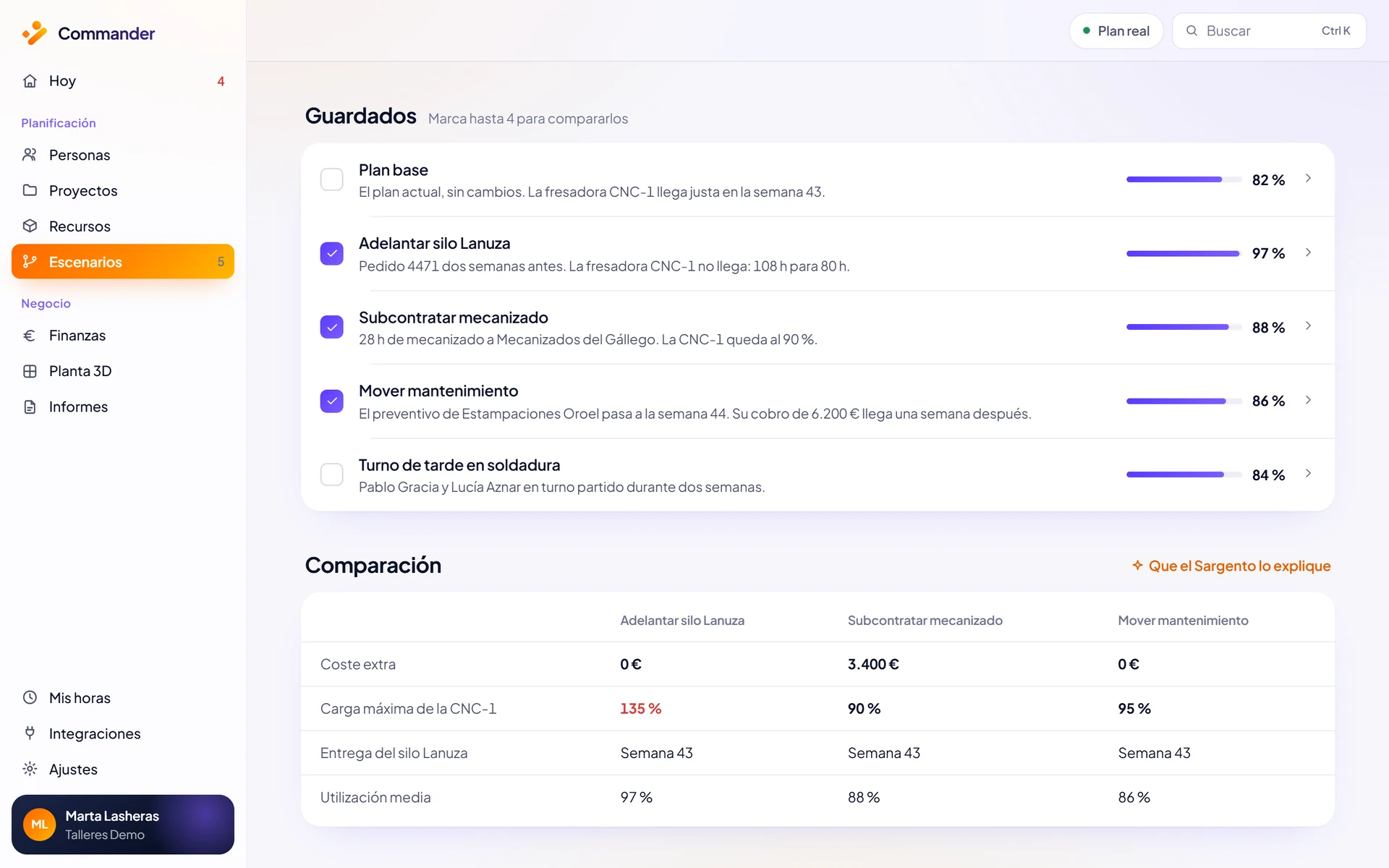
Bringing an order forward by two weeks.
A client asks to bring their order forward by two weeks. With the current plan, the CNC-1 milling machine would need 108 h and only has 80 h: it would run at 135%.
Two alternatives, compared in numbers. Subcontract the machining: €3,400 extra and a peak load of 90%. Move a maintenance job: €0, a peak load of 95% and a €6,200 payment arriving a week later. You can ask Sargento AI out loud and it prepares both.
Screenshots use demo data.
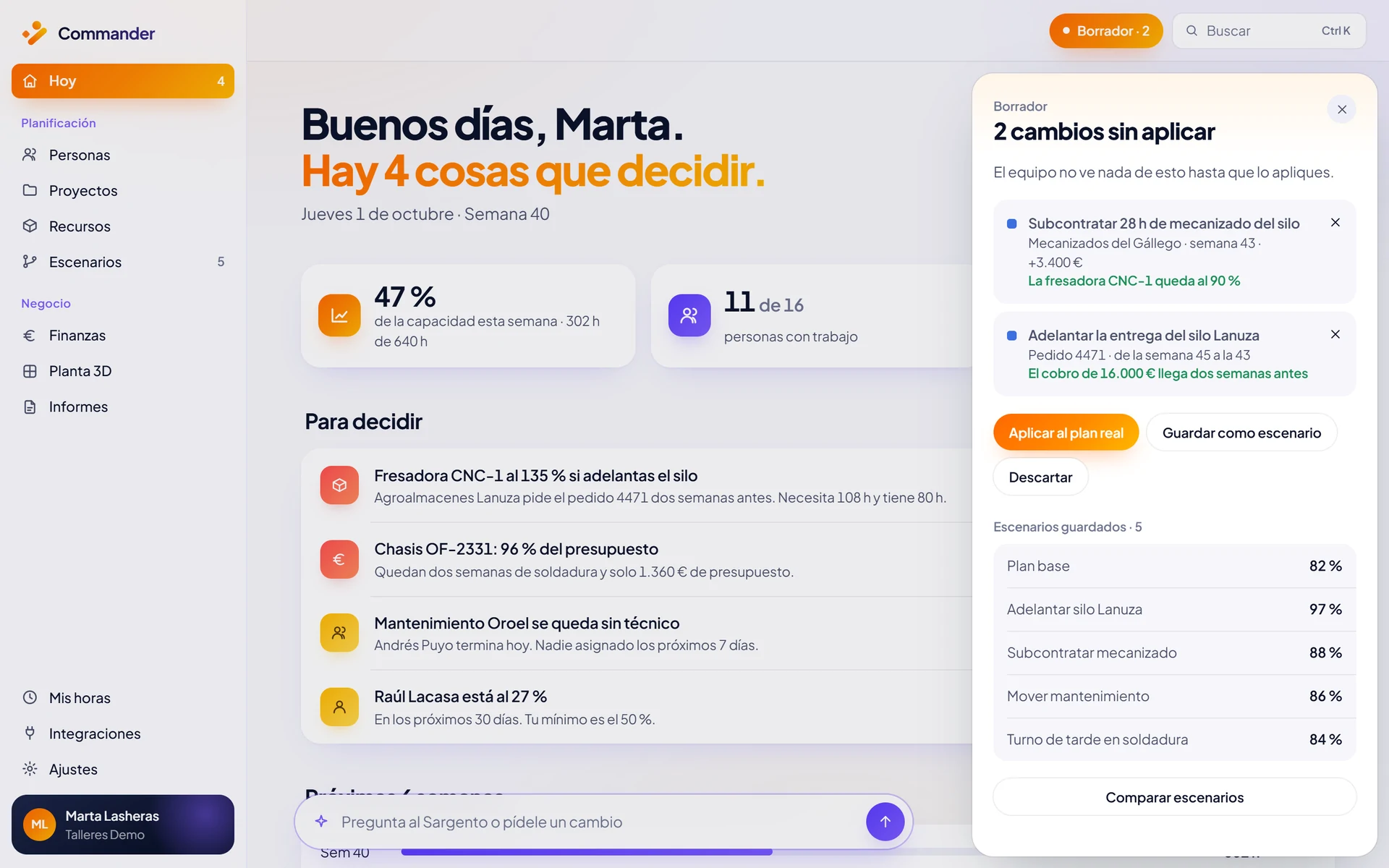
From scenario to live plan, only if you confirm.
The chosen alternative arrives as a prepared change. Nothing is applied until you press Confirm. Then the whole plan is recalculated and the decision is logged: who, when and why.
Scenarios are on every plan: 1 alternative on Essential, 3 on Professional and 10, with AI-generated alternatives, on Business. See what each plan includes.
Everything a scenario moves.
Capacity planning
The baseline: capacity and availability of every resource per week.
Resource optimisation
Spots overload and suggests who can take on the work.
Margin and payments forecast
The extra cost and cash-flow effect of each alternative.
Scenarios are one part ofresource management with Commander: you plan, simulate and decide on the same plan.
What if you could plan your resources with more clarity?
In 30 minutes we look at your case and show you how Commander fits your company.
Or email us at info@commandr.es