

AI resource planning
People, machines and projects in a single plan, with the real capacity and availability of every resource, week by week. Plus a copilot, Sargento AI, you can ask whether you will make it.

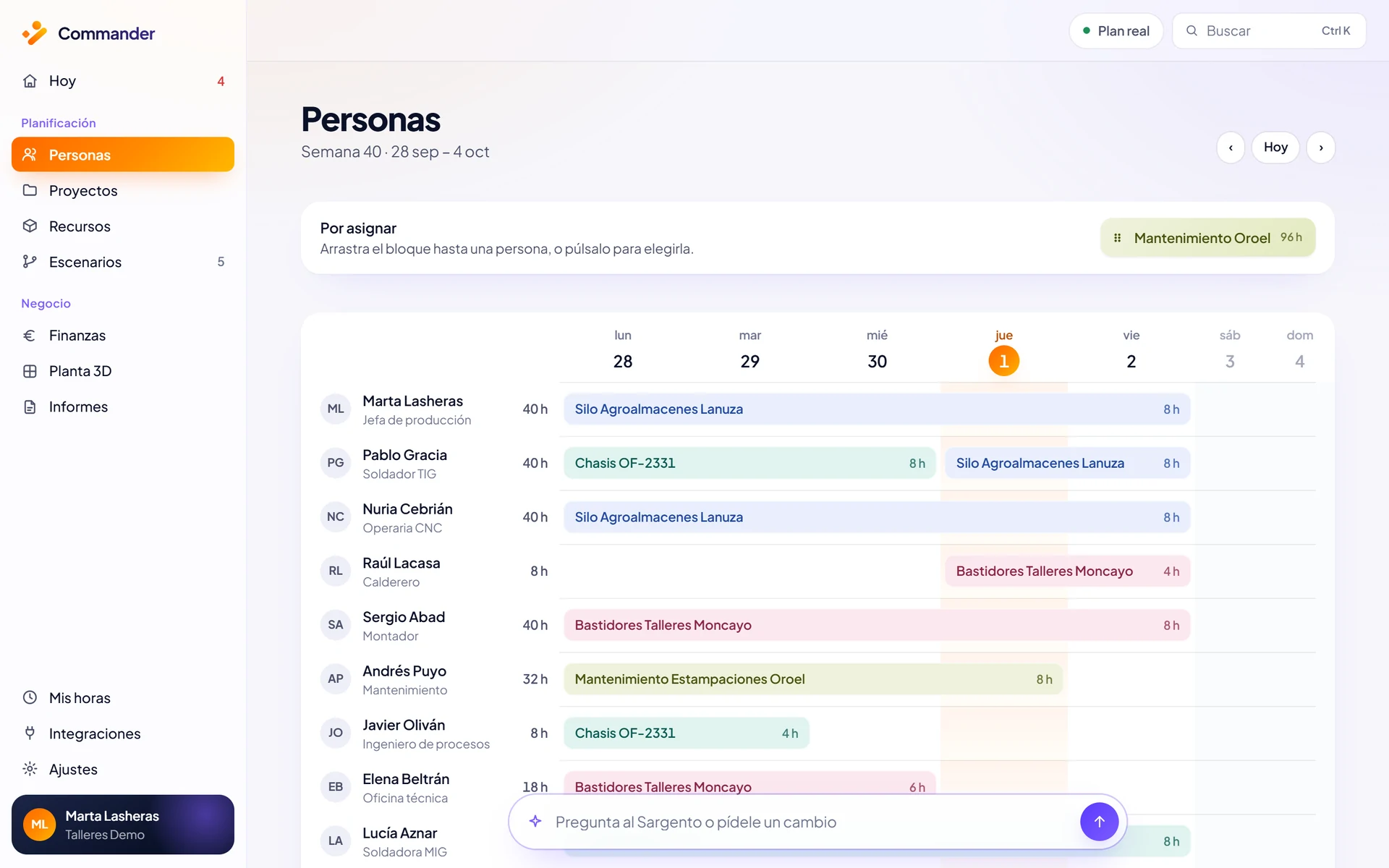
People, machines and projects in the same plan.
Commander brings your company’s people, machines and projects together in one plan. Every resource has its capacity and availability per week, so you can see at a glance who has room, who is at the limit and who is overbooked.
To get started we import your people, machines, certifications and projects from your spreadsheets or your ERP, and set up shifts, calendars, rates and zones exactly the way you work today. Within a day your first week is planned.
Capacity, availability and allocation, week by week.
Capacity planning stops being a guess: every allocated hour is compared with the hours each resource actually has.
Capacity
Every person and every machine has a weekly capacity based on their shifts and calendar. It is the baseline every workload is measured against.
Availability
See who is free, who is at the limit and who is overloaded, with conflicts flagged in red before they happen.
Allocation
Assign tasks, move dates and resolve conflicts by dragging. Commander takes certifications and specialisms into account and shows you who can take on each job.
Utilisation
Red is not an opinion: it is arithmetic, planned hours divided by capacity. The Command Centre brings utilisation, risks, demand and alerts together on one screen.
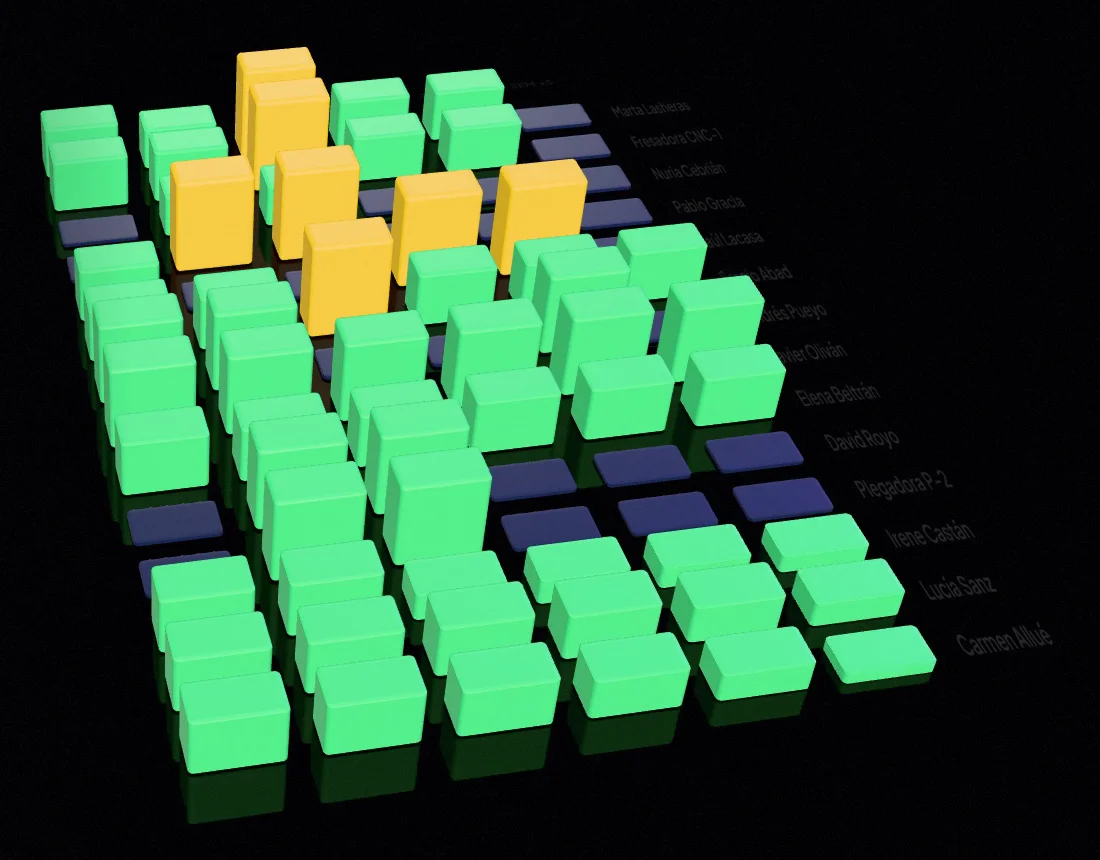
The workload for the next six weeks.
In the utilisation map, each column is one person or one machine in one week. You see the workload of all your resources over the next six weeks and spot the overload in week 43 today, not on the Monday of week 43.
If a critical machine is going to exceed its capacity, you know in time to move work, reassign it or simulate alternatives without touching the live plan.

Actual hours against the plan.
Everyone sees their week on their phone and logs their hours with a single tap. No more typing up timesheets.
Actual hours flow straight into the Command Centre and the plan is compared with what really happened. If you sell hours, you see budgeted against logged while the project is still open, alongside the cost and margin of every project.
What happens when the plan changes?
A client brings an order forward, someone is off, a machine is overloaded. The plan has to move without you rebuilding it by hand.
Ask whether you’ll make it
By voice or in writing. Sargento checks the real workload and availability and answers in numbers.
How Sargento AI answersTest before you change
Bring an order forward, subcontract a phase or move a maintenance job: compare each option without touching the live plan.
Scenario simulationConfirm and it recalculates
Nothing is applied until you press Confirm. Then the whole plan is recalculated and the decision is logged.
Beyond planning.
Resource allocation
Who can take on each job based on certifications, specialism and area.
Capacity scenarios
Simulate a new project, an absence or a delay before you decide.
Costs and payments
Margin per order and a payments forecast linked to the plan.
All features
Command Centre, 3D Plant, My hours and every other module.
See how Commander combines planning with a complete platform forAI resource management.
What if you could plan your resources with more clarity?
In 30 minutes we look at your case and show you how Commander fits your company.
Or email us at info@commandr.es